
Software House Backup
Backup
One of the key tools in the area of ensuring information security is the backup system, which is an essential pillar of security for businesses.
Don't risk losing important data. Our backup solution is tailored to your needs. Ask for details!
Backup - Key to data security
Backup, or data backup, is a fundamental measure to protect information in the event of unexpected events. In practice, this means creation of an additional version of the data, which can be used to restore the original information in the event of hardware failure, malware attacks, file deletion or other unforeseen situations that may lead to data loss. Without a backup, the risk of losing important documents, databases or projects increases, which can have serious consequences for the operation of the company.
Although Windows offers basic backup tools such as File history or Backup and restore, their functionality may be limited compared to the advanced solutions offered by external programmes.

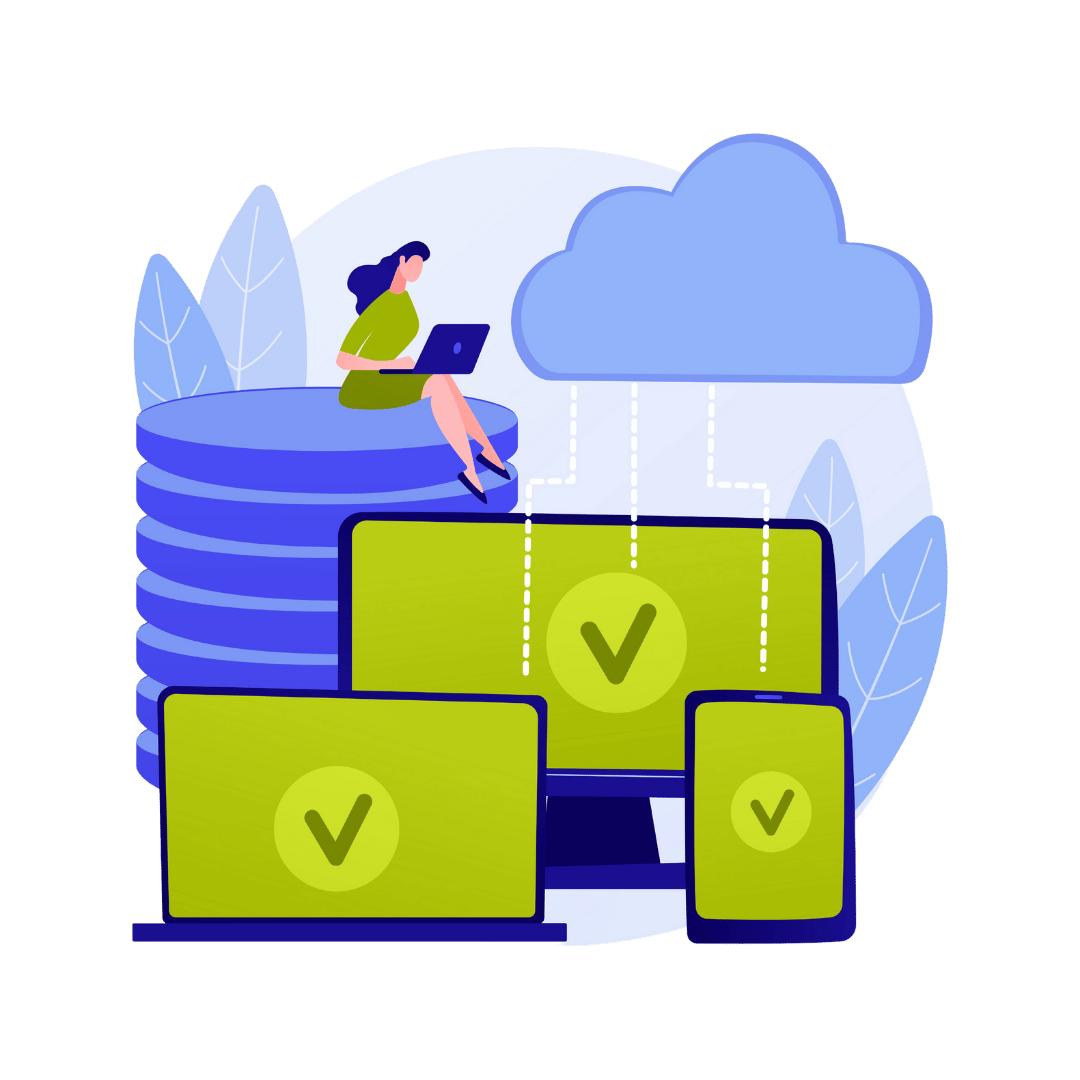
These programmes often offer a range of additional options, such as:
Automatic schedules
The ability to set up regular backups, minimises the risk of forgetting to back up.
Multi-level security
They allow backups to be made in different locations, such as locally on hard drives and remotely in the cloud, providing greater flexibility and security.
Data encryption
Protection of the backup against unauthorised access through advanced encryption mechanisms.
Restore options
Extensive restore functions that allow specific file versions to be selected and the system to be restored to a specific point in time.
Backup vs archiving - Data storage

Both backup and archiving are important elements of the data management strategies, to ensure the protection and long-term storage of important information. Choosing the right solution depends on your company's needs in terms of availability, security and cost.
Backup and archiving are two key methods of data storage, each serving a different purpose.
Backup it is a process regular data backups, which protects against loss due to hardware failure, malware attacks or user error. With a backup, you can quickly restore lost information and minimise downtime. Backups are dynamic, frequently updated and stored on easily accessible media, such as hard drives or the cloud.
Archiving consists of long-term storage of infrequently used data. It aims to secure information that may be needed in the future, such as for legal or historical purposes. Archiving saves space and costs by storing data on less efficient media, such as magnetic tapes, often using compression.
Methods backup
Incremental Backup
Copies only the changed data since the last backup. Saves space and time, but restoring data is more time-consuming as it requires all copies after the last full backup.
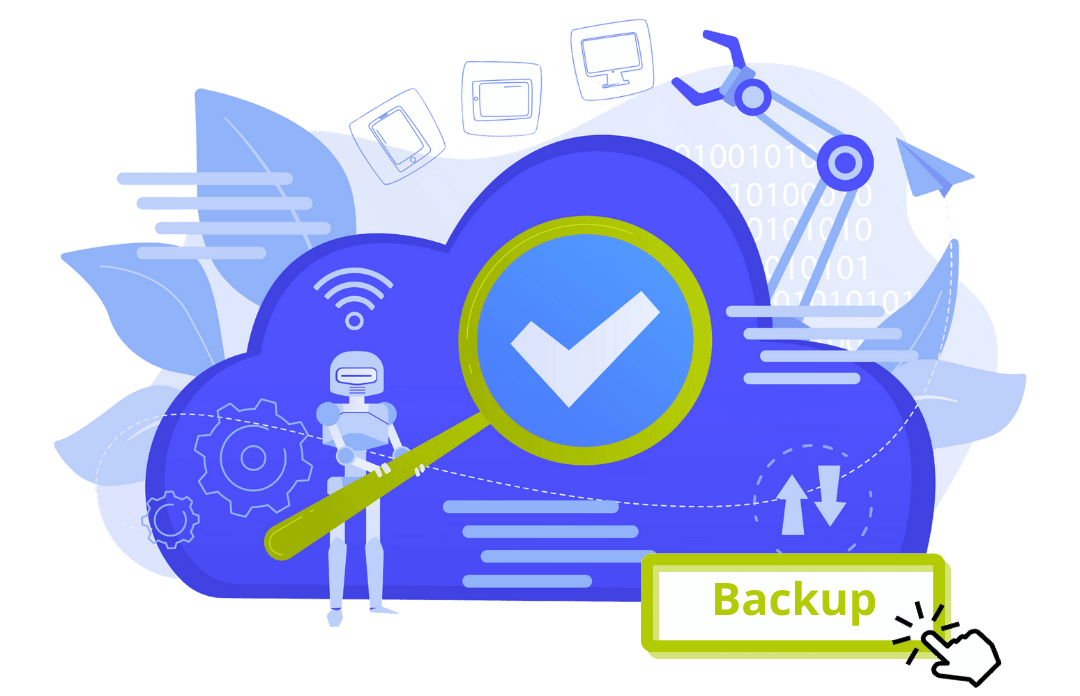
Full Backup
Creates a copy of all data on the system. Provides full protection, but takes a lot of space and time to execute and restore.
Differential Backup
Copies all changed data since the last full backup. It is faster to restore than an incremental backup, but can take up more space over time.
Cascade backup (Snapshot Backup)
Creates snapshots of data at a specific point in time. Enables fast restores, but requires advanced technology.
Replication Backup
Copies data in real time to another server. Provides high availability, but may incur higher costs.
Cloud Backup
Stores copies of data on remote cloud servers. Offers flexibility and remote availability, but depends on internet speed and may incur storage costs.
Local Backup
Stores backups on physical media in the same location as the original data. Fast to access but subject to local failures.
Advantages use of backup

- Compliance with RODO
For companies that process personal data, the use of backup meets the requirements of the General Data Protection Regulation (GDPR). Ensuring appropriate technical measures, such as encryption, are key to compliance with data protection legislation.
- Accessibility and high effectiveness
Backup tools are widely available, easy to use and often offered at affordable prices. The backup process is intuitive, making it possible for even companies with fewer resources to benefit from this tool.
- Taking control of data
It is important to keep at least one copy of your data off-site. Encrypting your data in the cloud allows you to maintain full control, even when using a provider. This keeps your data secure and indivisible, even after the relationship has ended.
Data protection at the highest level
A backup system is a key part of today's business data security strategy. Application backup, data encryption and archiving is not only a question of fail-safe, but also of meeting legal requirements and ensuring business continuity. It is worth investing in these solutions in order to avoid potential data loss risks.
If you are interested in tailoring a backup and archiving strategy to your company's specific needs, please contact us. We offer free audit, to help you choose the best solutions for your IT infrastructure. Call or email us to arrange an appointment!

Frequently asked questions
(FAQ)
Here you will find the answers to many questions related to backup.
Data backup is the process of creating backups and storing them in the cloud, which provides additional protection against data loss due to hardware failures, malware or other unforeseen events. By storing copies in the cloud, the user can access their data from anywhere at any time, increasing its security and availability. This solution allows you to quickly restore lost information when needed.
- Full backup - copies all data
- Incremental backup - copies only data changed since the last backup
- Differential backup - copies data changed since the last full backup
Phone backup is the process of backing up data from a mobile device, such as contacts, photos, messages and apps, to protect them from loss.
Database backup is the process of backing up data stored in a database so that it can be recovered in the event of a system failure or data loss.
Backup is needed to protect data from loss due to hardware failure, cyber-attacks, user error or other unforeseen events.
To back up your data, you can use the operating system's built-in tools or external backup programmes. It is important to make regular backups and verify them.
Local backup - storing backups on local media such as hard disks or USB sticks.
Online backup - cloud storage of backups.
Manual backup - manual backup.
Automatic backup - Automatic backup according to a set schedule.
Backup management involves regular backups, verifying them, storing them in a secure location and updating the backup strategy as needs change.
The 3-2-1 rule: Storing three copies of data on two different media, with one copy stored off-site.
Regular backups: Schedule regular backups to ensure that backups are up to date.
Costs - costs associated with storing large amounts of data.
Management - the need for regular verification and updating of backups.
Security - ensuring adequate safeguards for the data stored.



Newsletter
Sign up for our newsletter to receive the latest content posts directly to your inbox.
 Polish
  English