The most common causes of data loss
No matter how intensively you use your phone, the data in its internal memory can be lost. This can occur as a result of:
- serious malfunction of a smartphone, which results, for example, in an inability to switch on the device;
- damage to the phone as a result of a fall to the ground from a considerable height or flooding of the display;
- error when copying data, caused, for example, by a smartphone's battery suddenly running out;
- hacker attack by means of malware;
- lost or stolen smartphone.
Data can also be accidentally deleted from the phone's memory after restoring the factory settings.
Data loss from a damaged or flooded phone - what next?
Above all - don't panic. It can happen to anyone if you accidentally restore factory settings or if your phone is flooded. To recover deleted photos or videos, first give up any activity on your smartphone.
- Don't text.
- Do not take new photos or videos.
- Stay off websites and refrain from social media activity.
- Do not download any material from the web, for example music.
- Do not connect your phone to external devices, including storage media.
It may be the case that some valuable data will be overwritten by further files and then their recovery will be very difficult, if not impossible. The safest thing to do is activate aeroplane mode and follow our instructions.
You may be interested in: Free data recovery software - recommended
What programs allow you to recover lost data from a damaged phone?
Data recovery is made possible by special programmes - we have described the best ones below. They are available in the app shops. These are applications in Google Play (for Android phones) and in the App Store (for iPhones). with data recovery function. Some of them are available for free.
Disk Drill
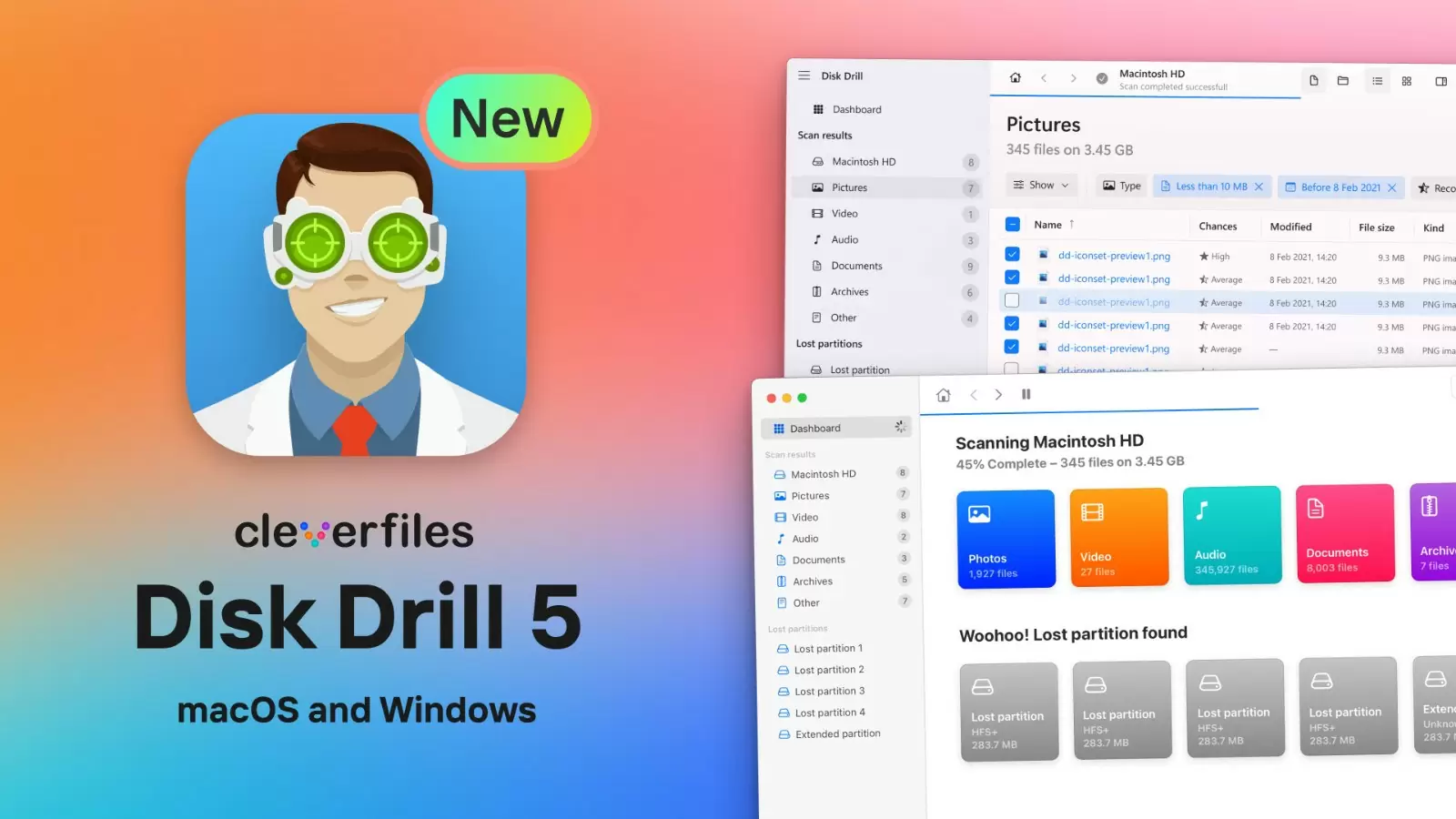
With Disk Drill, you can quickly and effectively regain access to the data on your phone. Programme supports up to 400 file types, including photos or music, so there is no risk that it will leave out the ones you care about most. It is available free of charge, but if you want to restore more than 500 MB of data, you need to purchase the appropriate version.
Recuva
Recuva will be perfect for data recovery from damaged phones Samsung, Xiaomi or iPhone, as well as when factory settings have been restored. A huge advantage of the app, as with Disk Drill, is its support for different types of data. Also of great importance is the free access to the app, the ease of use, as well as the function that will allow you to restore both all and selected types of files (photos, videos, music, documents, compressed data).
Dr. Fone
If you want to recover photos, music, text messages or contacts from your phone, it is worth downloading the free Dr. Fone app to your smartphone. It will allow you to restoration of all types of data, including even chat history from instant messaging services such as WhatsApp. Security when using the app will be ensured by full data encryption.
Read also: 5 AI tools to boost productivity at work
Phone data recovery - the process
How do I restore deleted data using the programme?
To recover lost data using a dedicated app, our step-by-step guide will help you.
- Download the application of your choice.
- Once it is launched, select your smartphone from the available list.
- Select the data you want to recover.
- Start the scan.
- Select the files to be restored by the application.
It is also possible to recover deleted data from the drive on your phone by downloading a special application to your computer or laptop. In this situation, it is sufficient to connect the smartphone to such equipment via a USB cable and follow the above steps.
How do you recover deleted data using the cloud?
Google Drive cloud (for Android phones) or iCloud (for Apple devices, including iPhones) is a great way to quickly regain access to files stored on your smartphone. However, it requires you to make a copy of your data before you lose it. To do this, you need to register with the cloud and enter the relevant options in its settings.
- In Google Drive, select „Backup” and „Backup settings”, tick „Enable” and press „Backup now”.
- In iCloud, go to the „Manage Space” tab, select „Backups” and press „Enable”.
To ensure that all data in the cloud can be restored, it is worthwhile to start automatic backup. This will ensure that they are written in immediately.
How do I recover contacts or photos using a memory card or SIM card?
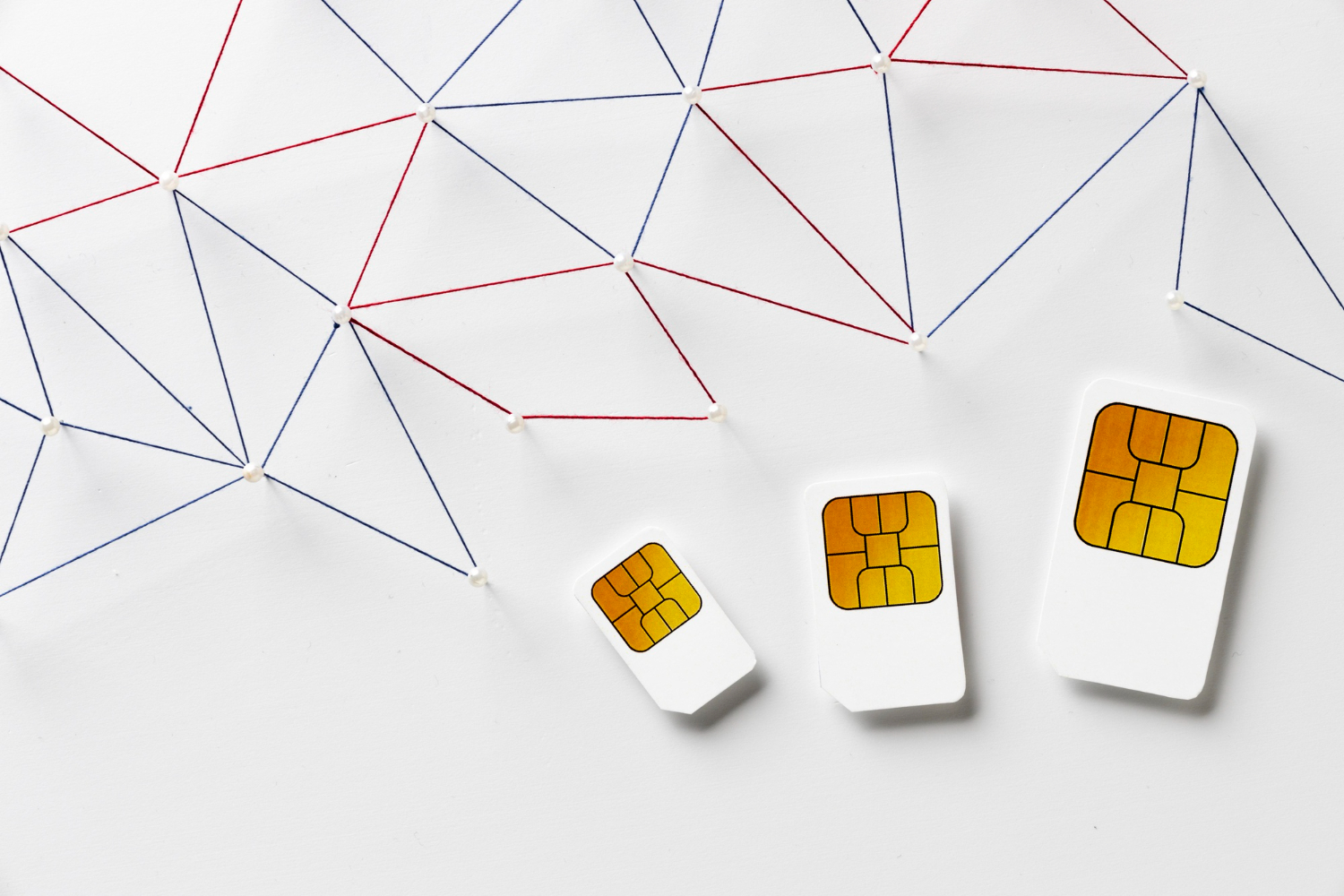
We are able to recover data both from the phone's internal memory and from the memory card placed inside the phone. This applies to cards microSD, The smart card is a great way to store data on your smartphone. If, for example, your smartphone is damaged and needs to be serviced, simply remove the card and insert it into your computer or laptop. And if it doesn't have a suitable port, an adapter with microSD and USB inputs will enable the data transfer process. And if you want to recover personal data on the SIM card (contacts or messages), you can simply transfer it to another smartphone.
How do I recover data from a phone without a display using USB?
If your touchscreen has been damaged and you cannot operate it, there are 2 ways to recover files from the internal memory. The first is the so-called USB debugging, which will allow you to access the data on your smartphone from a computer or laptop - you will need a USB cable for this. However, it requires the appropriate options to be entered on the phone before damage to the display can occur.
- Go into your smartphone's settings.
- Select the „Phone information” tab.
- Press the „Compilation number” field several times until the message „You are a programmer” appears.
- Go back to the settings, in the „System” tab press „Developer options” and activate the debugging function.
The second way is use of USB OGT cable. It allows you to connect a mouse to your phone to rip important files to your computer.
It is also possible to recover data from a phone with a damaged display if a microSD card or SIM card is removed from the smartphone and transferred to other equipment. However, this only applies to the data stored on such a card. It does not therefore include data in the phone's internal memory.
When do you need to contact a professional phone repair service?
It is worth putting your phone in the hands of specialists when equipment does not start at all (cause may be a faulty motherboard) and you have not created a copy of the data or saved it on a microSD card. A professional smartphone service or data recovery company will take the necessary measures. Of course, in such a situation you can try to restore the lost files yourself, for example using a special app, but this can be very difficult and will not always guarantee success.

How do you secure data on your Android and iOS phone?
We can never tell when the need may arise to recover the files on your phone. Free access to the photos and videos or music stored on your smartphone, even in the face of hardware damage, will give you regular creation backup data. You can do it either in the cloud or on an external drive, flash drive or disk array. Remember to follow the 3-2-1 rule, which states that any data you put on your phone should be stored in three different places - in the cloud and on two different local media.
 Polish
  English