
A few words about WordPress
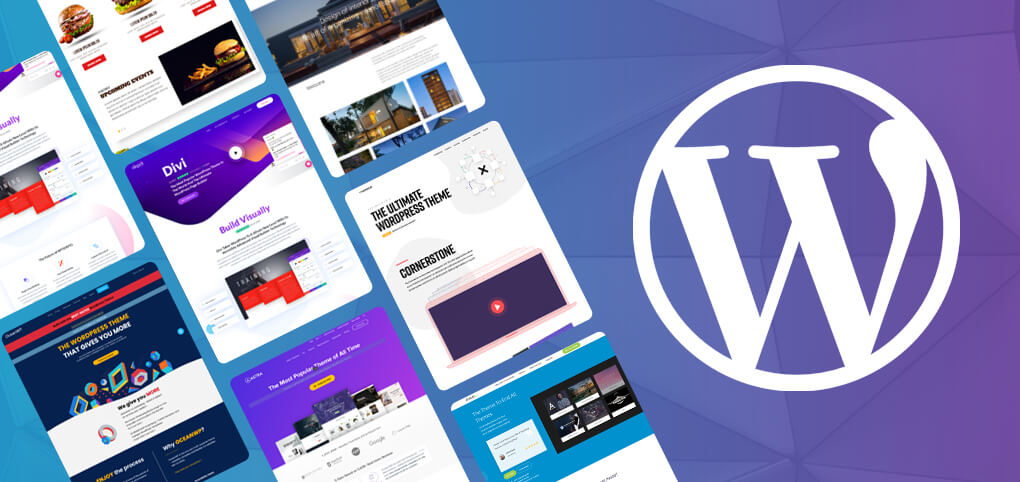
WordPress is one of the most popular content management systems (CMS). You can create a blog, website or shop on this system. A website based on Woprdpress can be easily positioned and edited. No programming knowledge is required to create a website in this CMS.
Above all, it is worth taking care of content optimisation. This means that the texts on the page must not only be interesting for readers, but also optimised for keywords. Well-considered content is crucial for positioning of your pages.
Choose a reliable hosting company
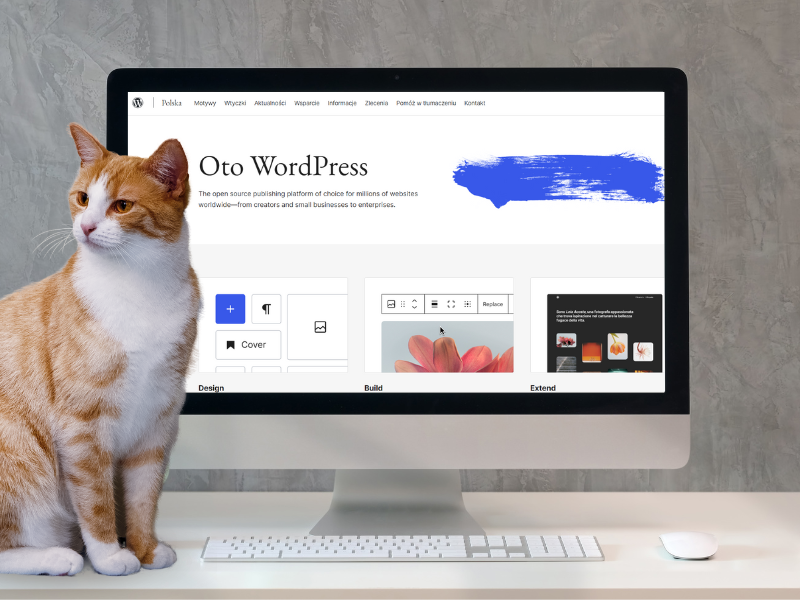
Choosing the right hosting is a key step in the process of creating and managing a website. This decision has a direct impact on the performance, security and availability of your site. So it is worth betting on a proven hosting company that will provide reliability and technical support. Hosting companies often offer promotions for one year, but after one year, renewal prices can be much higher - so be sure to check the price after renewal.
Why is it important to SEO your website on WordPress?
WordPress is SEO-friendly thanks to its structure and numerous plugins that make it easy to optimise your site. The platform offers:
- Intuitive user interface,
- Ability to easily add and edit content,
- SEO-friendly URL structures,
- Large selection of SEO plug-ins.
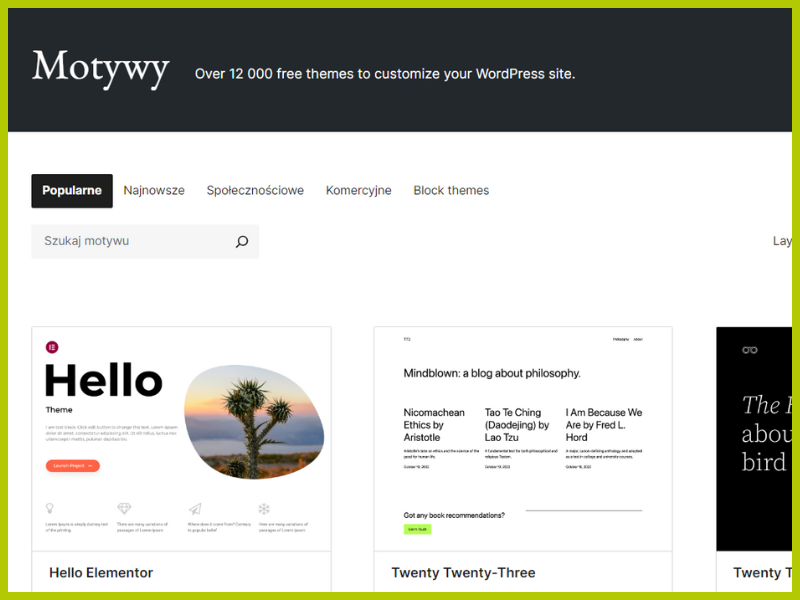
When creating a website on WordPress, it is important that it is usable by both users and search engines. This means that the site should be easy to navigate, load quickly and be accessible on a variety of devices. A well-constructed WordPress template can make these tasks much easier.
Read also: Stand-alone positioning
SEO WordPress - the essentials
Effective WordPress SEO involves several key elements, such as:
- Content optimisation - creation of valuable and unique content with relevant key phrases,
- Structure of the website - orderly and logical site navigation,
- Page loading speed - important for both users and search engines,
- Responsiveness - adaptation of the website for mobile devices.
You may be interested in: Is SEO really a worthwhile investment?
Useful SEO plug-ins
SEO WordPress plugins are an indispensable part of optimising a site on WordPress. The most popular of these are:
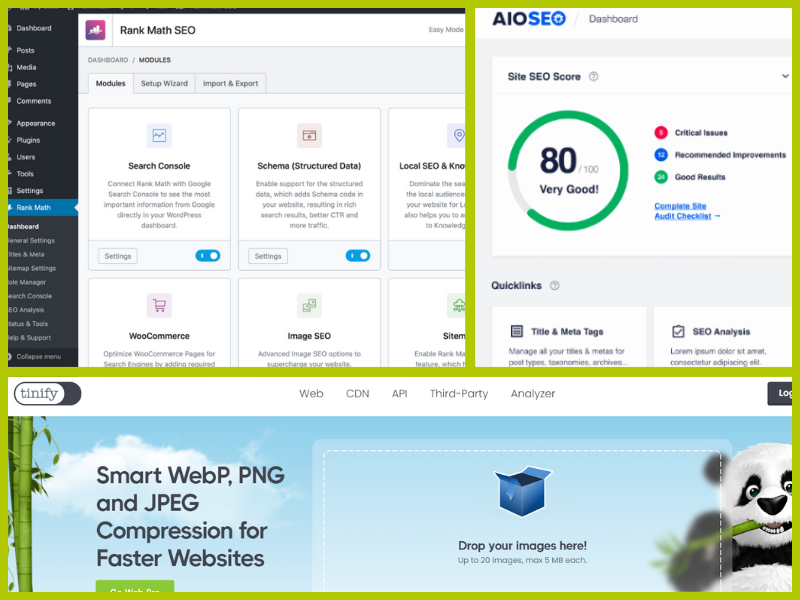
- Rank Math - facilitates content optimisation, meta tags and keyword analysis,
- All in One SEO Pack - a comprehensive website SEO management tool,
- WP Super Cache - improves page loading speed through caching,
- TinyPNG - optimises graphics.
WordPress optimisation for SEO - step by step
How do I position my website on WordPress? How do you make your website highly visible in search engines? First of all, it is worth taking care of content optimisation. Texts on the website must not only be interesting for readers, but also optimised for keywords and search engines. Well thought-out content is crucial for positioning of your pages. Professional SEO cannot do without a proper website structure, information architecture and optimised technical aspects on the website. The website should be divided into categories and subcategories.
Once you have purchased hosting and installed WordPress - remember to tick the option about not indexing the domain. You can only do this after you have built your site and after SEO optimisation.
You can optimise your entries or page using the Rank Math plugin - regardless of the theme you choose. Check out how to work on the Rank Math plug-in:
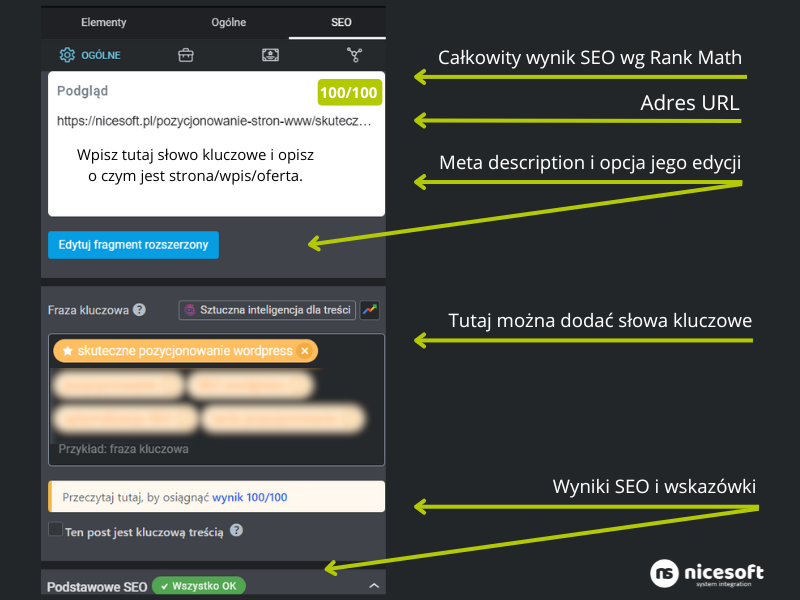
SEO optimisation with the Rank Math plug-in
- Once the content and keywords have been prepared, add the text to the text editor and complete the relevant fields of the Rank Math plug-in (take care to structure the content and headings appropriately).
- Correct the URL if it is too long or unrelated to the topic or keyword.
- Complete internal linking - don't forget to link to this post/subpage after publication too.
- Complete the alt attributes for each photo/image.
- Complete the meta description - add the main keyword in it.
- Construct a good SEO title, i.e. an SEO title that will show up in Google.
- When you have everything ready, you can publish the text. Make sure everything is well done and be sure to complete the canonical tag well (it should have the same page/entry address).
- You can add the published text/page immediately to Google Search Console to index the publication faster.
We also recommend: Shopify positioning - our advice
Content positioning - WordPress
The content on the website is still important, but it is worth preparing it properly. A thorough keyword analysis should be carried out before starting to position a WordPress site.
Choose key phrases that have a high search volume and are related to your niche. Also try to find long tail phrases, as they too have significant SEO value. You need to know which keywords to choose, positioning for specific phrases contribute to better domain visibility. Tools such as Google Keyword Planner, Google Search Console, Ahrefs or SEMrush can help you find the right keywords.
You can use GPT Chat to generate the content or enlist the help of a copywriter - or possibly write it yourself. SEO tools such as Senuto, Contadu or Serfer SEO can also be helpful. They can help you produce finished text, compare your competitors' text to yours and help you optimise your content.
Creating valuable content is the basis of successful SEO, which includes:
- Phrase positioning - you need to include keywords in titles, content and headings,
- Use H1, H2, H3 headings to structure content,
- Add internal and external links,
- Create useful content - also for users,
- Update content regularly so that it is always relevant and valuable.
If you already have the text ready, take care of the linking. Internal linking is an important part of WordPress SEO. It helps your site to be better indexed by search engines and allows users to navigate your site more easily. Add links to other related content on your site to increase its SEO value.
Don't forget about external linking either. Get links that will lead to your site. You can buy them using the Whitepress or Linkhouse platform.
Technical optimisation of the website
Technical optimisation of a website is crucial for SEO. It includes:
- Page loading speed - optimise images, use caching and minimise code,
- URL structure - use SEO-friendly URLs that are short and contain keywords,
- XML sitemap - allows a page to be more easily indexed by search engines,
- Mobile friendly - The website nowadays has to be responsive,
- Technical errors - errors such as: 404, 500 need to be removed or redirects made to the correct URL. The quality and errors of the website should be checked regularly.
How do I monitor the SEO of my WordPress site?
In order to successfully position a website, it is important to monitor its performance. Tools such as Google Analytics and Google Search Console allow you to track website traffic, analyse user behaviour and see which keyword phrases bring the most visits.
Cooperation with an SEO Agency - low-cost positioning
Not sure how to position yourself well? In this case, our SEO agency. The assistance of such an agency can prove invaluable, offering professional support and an SEO strategy.
Summary
Now you know what SEO looks like in WordPress. Optimising a WordPress site for SEO requires understanding and applying a number of techniques. Positioning guide provides the necessary knowledge for effective SEO activities. It is worth taking care of the technical aspects of the website and regularly optimise content, to ensure it ranks as high as possible in the search results. Thanks to this positioning of your of the site will be effective and produce the desired results.
 Polish
  English