What is UX and UI?

UX is the abbreviation for User Experience, which stands for „user experience”. It refers to its interaction with the website and perception of how it has been designed and how it can be navigated. UX strives to create a site that is:
- had an appropriate information architecture and will provide the audience with easy access to all content;
- fully functional.
UI (User Interface) includes user interface design. This is about all the graphic elements on the site that users will encounter. This includes:
- photo gallery;
- animations;
- menu;
- buttons;
- colours.
The website should be attractive, which will make users more likely to perform conversion, i.e. the action you expect. This could be a click on the „Buy now” button, signing up for a newsletter or adding a review.
What are the differences between UX and UI?
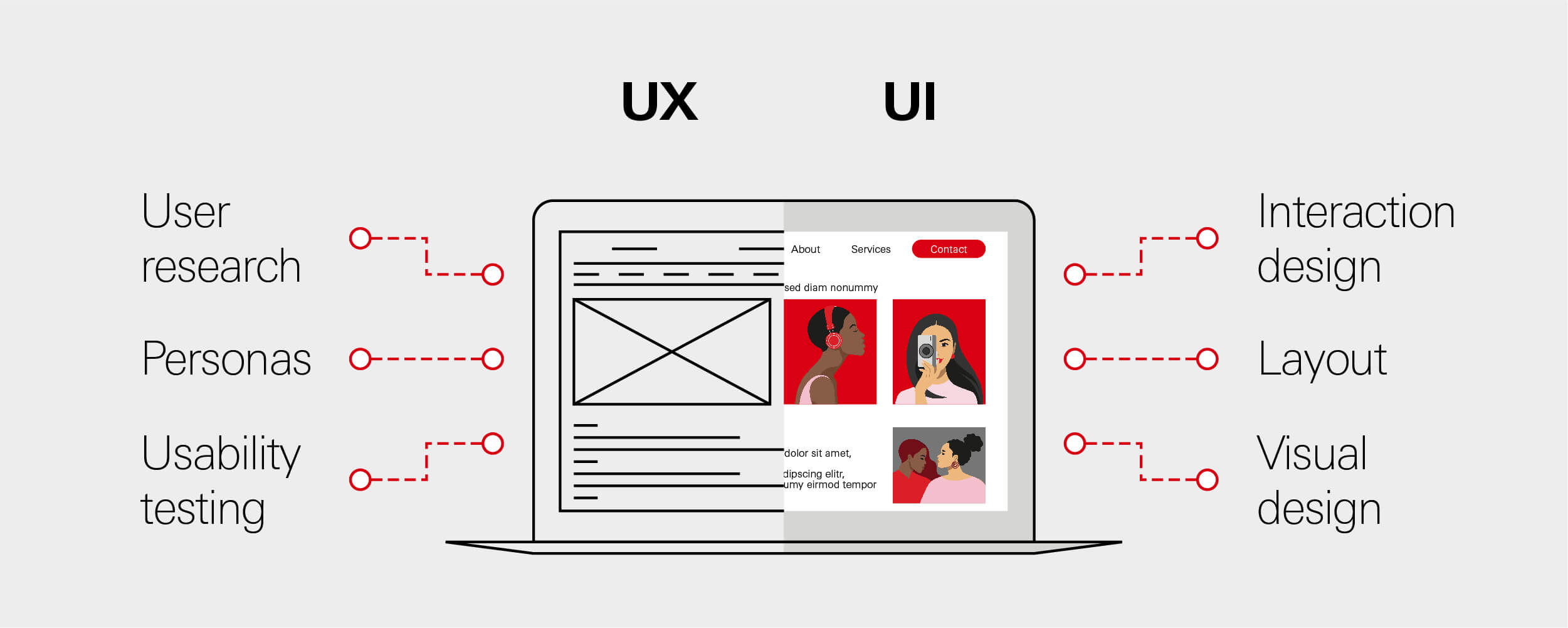
In the case of UX the main task is identification of user needs and design the website to respond to their requirements. User Experience looks at how the site works and whether it is easy to navigate. In turn UI attention on the appearance of the site and what options are available in the interface and how they are used.
- UX focuses on making the site easy to use and fulfilling users' needs.
- The UI is all about making it look aesthetically pleasing and enjoyable to use.
The role of UX and UI in interactive design cannot be underestimated. Both areas should be considered as an integral whole. Only then will it be possible to build a website that provides fast and user-friendly navigation and engages users to take specific actions.
How do you prepare to build an interactive website? Identify user needs and requirements
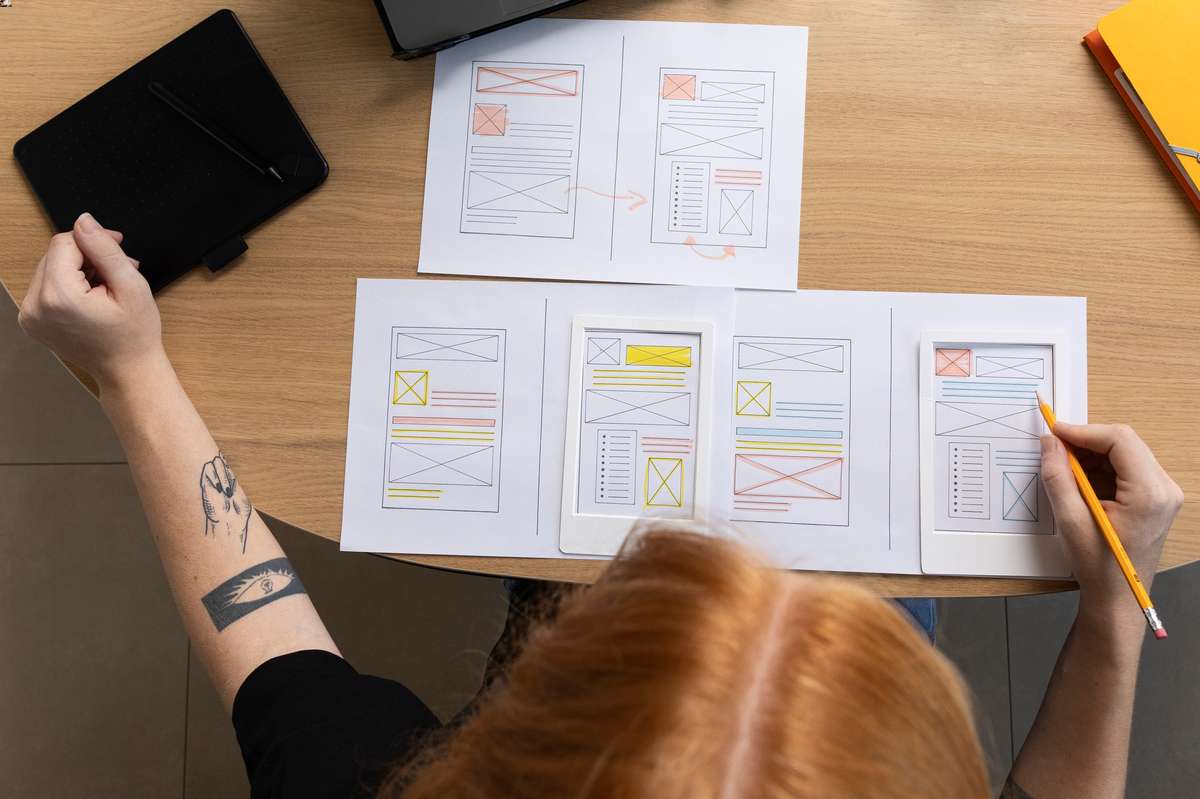
Understanding users' expectations is key because it will allow you to design a site that they will navigate easily. This will facilitate conversions. As part of interactive design, it is worth survey the members of the target group. To this end, you can:
- collect and analyse demographic or psychographic data, including those relating to customers' purchasing behaviour;
- conduct user interviews - a quick and effective method is an online survey;
- develop user personae, or model representations of users;
- carry out usability tests on the website with real Internet users.
A method often used by UX and UI Designers is to sord card. It involves members of the target group sorting and grouping information using sticky notes, for example. This will allow you to understand how they categorise the data, which will make it easier to work out how to navigate the site. In addition, it is worthwhile to carry out an exploratory tour of the service, to look at it from the users' perspective.
Basic principles of UX/UI within interactive design

If you want your website to encourage your audience to convert, it is worth employing a marketing agency, who will take care of building a user-friendly website. The website should provide:
- intuitive operation, with the associated ease of menu navigation;
- minimalism, which means that it must be free of unnecessary and overwhelming elements that introduce chaos into the structure of the content;
- consistent message - This applies both to the symbolism of the icons and to the unambiguity and simplicity of the messages;
- responsiveness, and therefore display correctly on both desktop and mobile devices;
- rapid response to service problems by being able to click on an icon that directs the user to, for example, support or a site map.
Interactive design also aims to make the website functional and useful. The content should generate value for the user and evoke certain emotions and feelings. It is also important to credibility - You will ensure this by publishing original and useful content.
How to build a UX/UI compliant website?
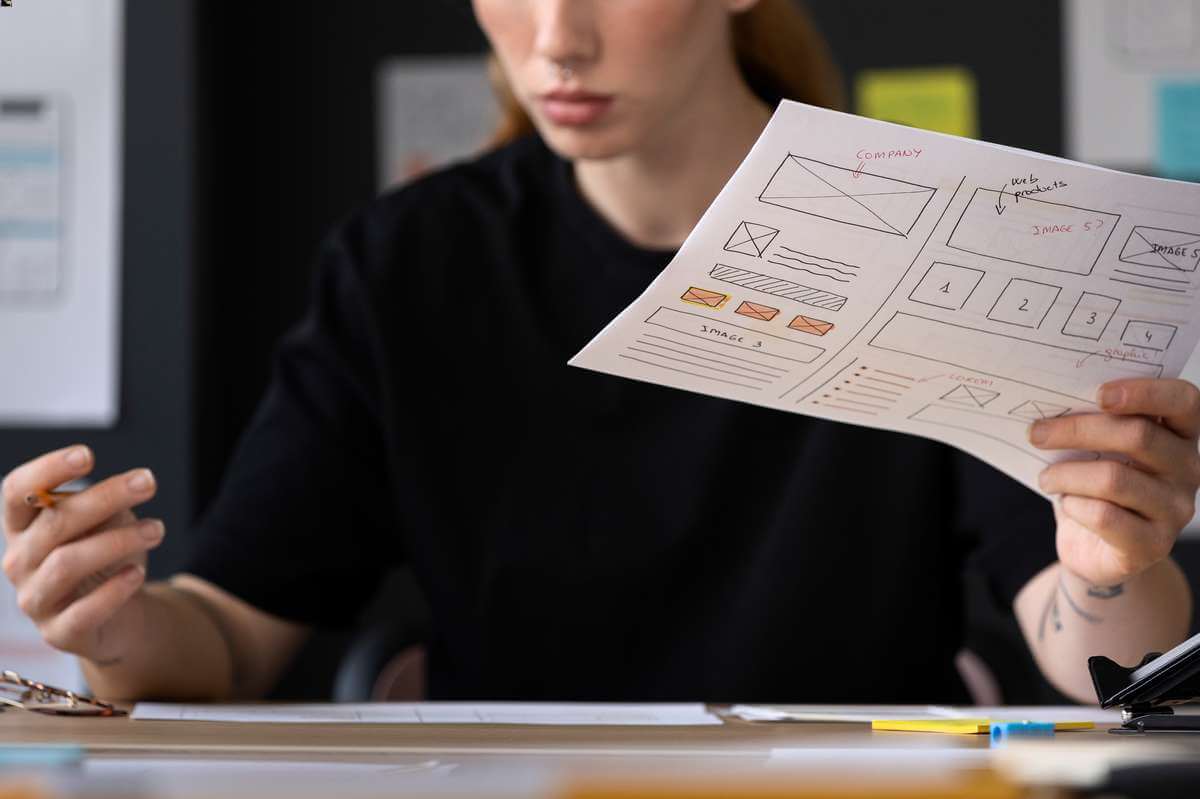
In order to ensure the user's experience and create a website that responds to his or her needs, particular attention should be paid to the navigation and layout of the website and the graphic layer. Additional functionality, such as a chatbot, and copywriting, i.e. content creation, are also important.
Create a user-friendly service structure
The site's information architecture should be structured in such a way that each user can quickly navigate to the information they are interested in. It is worth considering in the design:
- Menu - it is best placed at the top of the page, within the section above the fold that appears as soon as the site loads; the menu should contain the most important sub-pages of the site, including sections with company information or contact details;
- search engine, so that users do not have to navigate the entire site to find the places they want to go;
- service map with detailed subpages.
Particular attention should be paid to nomenclature the elements in the menu. It should be understandable for every user. The way the site is navigated is also important. Browsing the site will make it easier for users to scrolling, This means scrolling through content. This is convenient because you do not have to click on buttons such as „forward” or „backward”.
If you run an online shop, it is worth opting for a breadcrumps, or crumb navigation. It displays the category path and allows you to quickly jump to previously visited sub-pages. It is also worth using the 3-click principle. It says that each piece of content on a page should be accessed by clicking no more than three times.
According to research, up to 25% people abandon their shopping cart because the ordering process was too tedious and unnecessarily lengthy. Therefore, as part of your interactive design, ensure that you make the purchasing process easier for users.
The CTA button „Buy now” serves this purpose, immediately taking the user to the order summary page. Every shopper should be able to move freely from one stage of the purchasing process to the next and edit their order. It is also important that the personal data form is not heavily elaborated and only contains the necessary data.
Make your website visually appealing
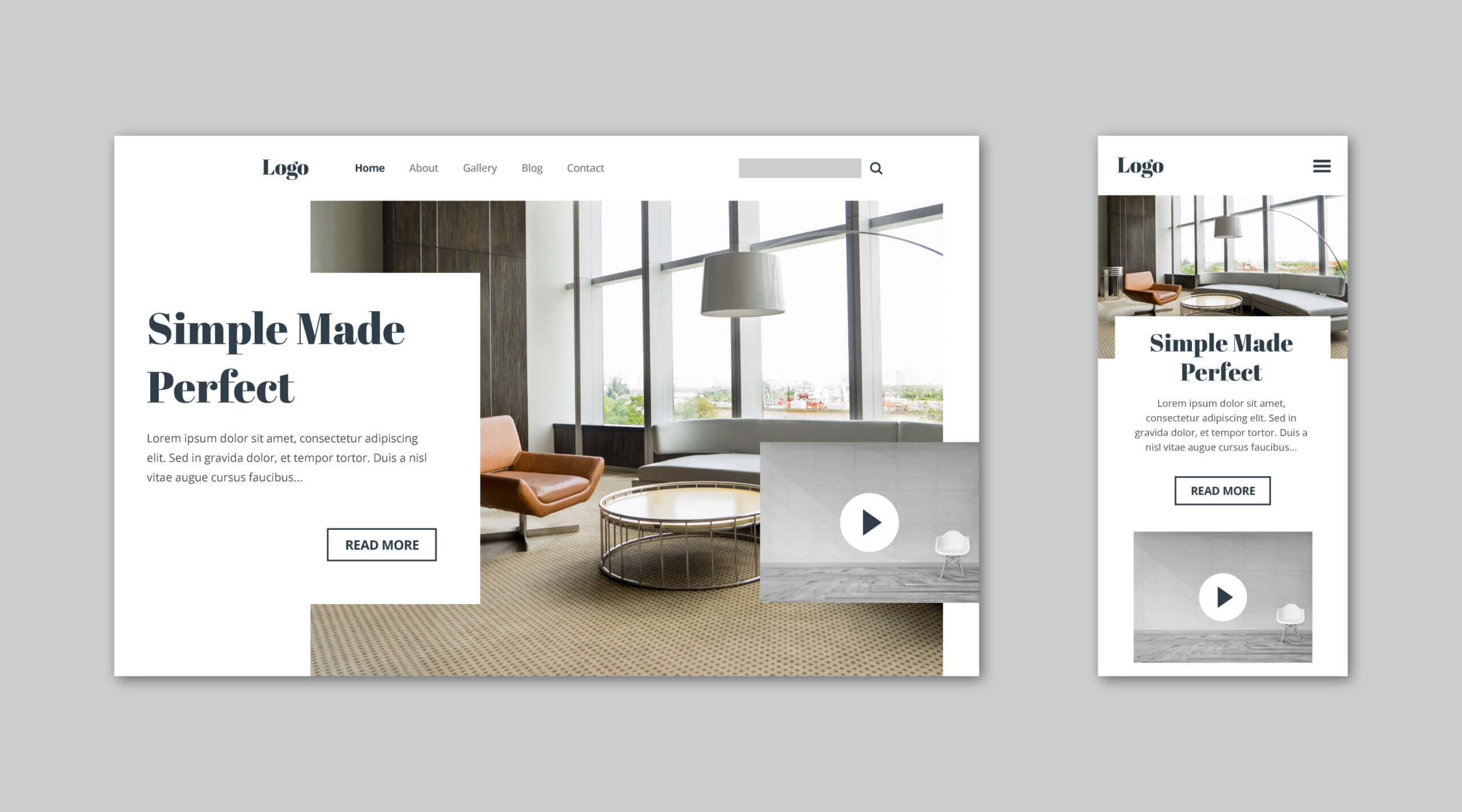
Attracting the attention of users and making it easier for them to use your website will serve many purposes. It is worth betting on:
- short animations, that are consistent with the company's corporate identity, including in terms of colour - materials made from in 3D and VR/AR technology;
- graphics with soft shadows, which evoke positive emotions in the audience, full of warmth and cosiness - a similar effect will be achieved by glassmorphism, i.e. blurring the background;
- realistic textures with elements of granularity - with these, users can be made to feel as if they are interacting with a real rather than a virtual image;
- realistic, not stock photos - a great effect will be created by superimposing graphics on them.
To avoid discouraging the user, the website should be devoid of unnecessary and intrusive material. This includes, for example, pop-ups with notifications or adverts that obscure content. It is also worth using one column of text instead of two or three. It will also be ideal for dark mode. It will alleviate eye fatigue and make it easier to view content after dark or in a room with poor lighting.
An interactive website should be people-friendly for people with various disabilities, including the blind and visually impaired. To this end, it is a good idea to use an alternative mode for photos and graphics, as well as vivid, high-contrast colours.
Incorporate additional functionality into the website design
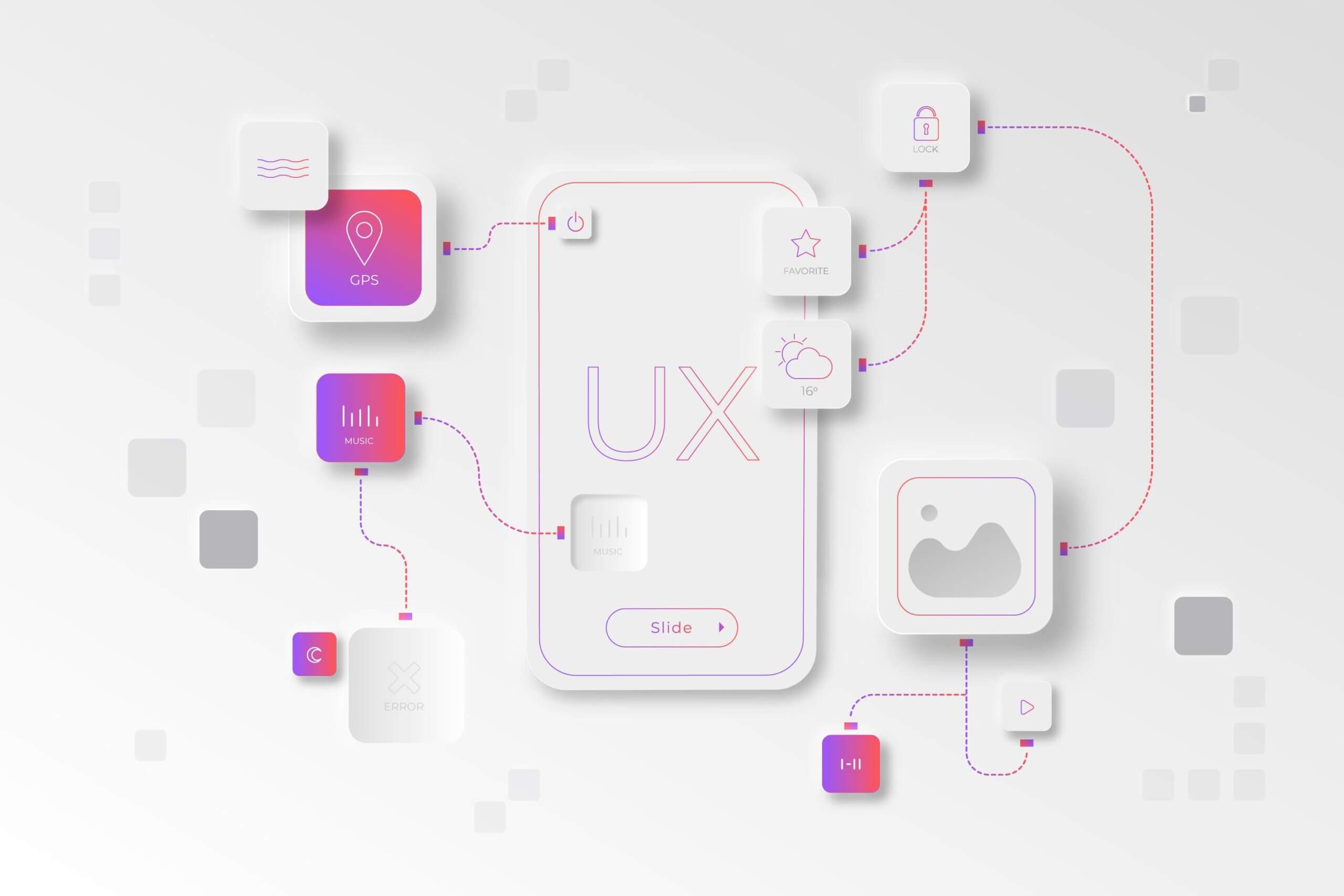
You will provide an excellent user experience on your website if you include useful functionalities. Examples include:
- chatbot, an automated programme that provides users with answers to various questions;
- voice interfaces, like Google Assistant - are a convenience for the visually impaired and those who have difficulty using a keyboard;
- cross-selling, a variation of this is the display to customers of similar products to those they intend to buy or have bought, so that they do not have to waste time looking for them in an online shop; a variation is the up-selling, which concerns products of higher value than those in which the user is interested.
It is useful to enable recipients to display on the site evaluations and reviews. They will give you credibility in the eyes of potential customers and enable you to see what, if anything, needs to be improved to make the UX/UI even better.
Professional copywriting is also important in the area of UX/UI

Creating valuable and engaging content is one of the most effective ways to capture users' attention. Ensure that texts:
- are clear and legible - they should be written in language that is easy to understand for any audience and in a clear font (minimum 16 pixels); it is advisable to avoid excessive capital letters, which will reduce readability, and too many columns (one column is sufficient);
- have paragraphs, bold and underlining, which will facilitate the assimilation of content;
- are factual and free from punctuation or stylistic errors.
Valuable and enjoyable texts are the ideal way to encourage users to stay on the website. It is worth entrusting the creation of content for your website to copywriters employed by a professional agency, such as Nicesoft. They will take care not only to provide relevant content, but also to plan the publication in terms of topics that best match the expectations of the audience.
 Polish
  English