
Free antivirus programs – ranking. Which free antivirus program to choose?
Paid antivirus software is necessary if you expect full protection, technical support, and specialist assistance, and if you want to use additional features such as protection against phishing or malicious ransomware. Before deciding to purchase software, a license, or a subscription, it is worth familiarising yourself with what free solutions have to offer. Which antivirus security solutions are worth recommending in 2025, do they perform well in practice, and do paid antiviruses have significant advantages over them?
Bitdefender Antivirus Free Edition
- Lightweight program, doesn't tax the system.
- Automated protection against viruses and phishing.
- Available on Windows.
At our company, we use this antivirus. It's very good – effectively detects threats thanks to an extensive virus database and advanced analysis engine. It copes brilliantly even with new types of attacks, and everything works in the background, without disturbing the user.
Malwarebytes Free
- Scans for and removes malware that other antiviruses don't detect.
- Effective at removing adware, spyware, and ransomware.
- It works on Windows and macOS, with limited real-time protection features in the free version.
Malwarebytes is good at removing so-called „worms”, but it's not a typical antivirus. We recommend using it with, for example, ESET, which then provides effective protection against all malicious software. This program also offers Dark Web Monitoring, which allows you to check if your data (e.g. email address) has not leaked into illegal databases on the internet.
Recommended entry: Antivirus for businesses – for small, medium and large. Which one to choose?
Windows Defender
- Built into Windows, no installation required.
- Provides real-time protection against viruses, ransomware, and other malware.
- Integrated into the system, which ensures good performance and low impact on computer operation.
- Works only on Windows.
Windows Defender is a solid, free solution, particularly for less advanced users. It doesn't always detect more sophisticated threats. When combined with additional tools like Malwarebytes, it provides significantly better protection.
Avira Free Security
- Effective antivirus engine and additional features such as a VPN (500 MB per month).
- Ideal for individual users.
- Supports Windows, macOS, Android and iOS.
Norton Antivirus (Free version: Norton Security Scan or Norton 360 trial)
- A well-known brand with a long history in the market.
- Free versions mainly offer scanning and threat detection, but not full real-time protection.
- The paid versions are already very extensive security packages.
- It works on Windows, macOS, Android, and iOS.
Norton's free version is more of a „taster” than full protection. It can be useful as a secondary scanner, but for constant protection, it's worth choosing something else or upgrading to the paid version.
Comodo Antivirus Free
- A comprehensive free package with real-time protection, a firewall, and a sandbox.
- Allows you to run suspicious files in an isolated environment.
- It can be more complicated to use for beginners.
- Works on Windows and macOS.
Comodo is for more advanced users – it offers many features, but also requires a bit of knowledge. Great for those who like to have everything under control.
Panda Free Antivirus
- Cloud – minimal system resource usage.
- Easy to use, works mainly in the background.
- Built-in VPN (150 MB per day).
- Available on Windows (mobile versions as separate apps).
Panda is a pleasant, lightweight antivirus for home users. It has a nice interface and runs very quietly, but its direct protection against more advanced threats can be limited.
ESET NOD32 Antivirus – highlight
ESET NOD32 Antivirus is an efficient and lightweight antivirus solution that provides effective protection against threats. It is characterised by:
- An effective antivirus engine blocks viruses, ransomware and other threats.
- This program is the perfect choice for older or less powerful computers.
- Effectively prevents phishing and network attacks.
- Supports Windows, macOS, Android and iOS
This antivirus is paid for, but it offers a 30-day trial, so you can avail yourself of it and try the programme for free.
Worth reading: Phone data recovery - our advice
Is a free antivirus effective?

Free antivirus programs are a good option for users who are looking basic antivirus programme to protect your devices. They offer, among other things,. scanner and active protection, effectively blocking viruses, spyware and other threats in real-time. Although they lack advanced features such as full ransomware protection, they provide strong attack prevention mechanisms, protecting user devices from the most common threats. Many free antivirus programs includes well-developed tools, including Block suspicious websites, which effectively prevents infections before the site manages to infect the system. Free solutions also offer Optimization and cleaning tools, improving the device's efficiency. Additionally, they ensure Security when using Wi-Fi, especially when connecting to public networks.
Windows Defender – is it still worth using?
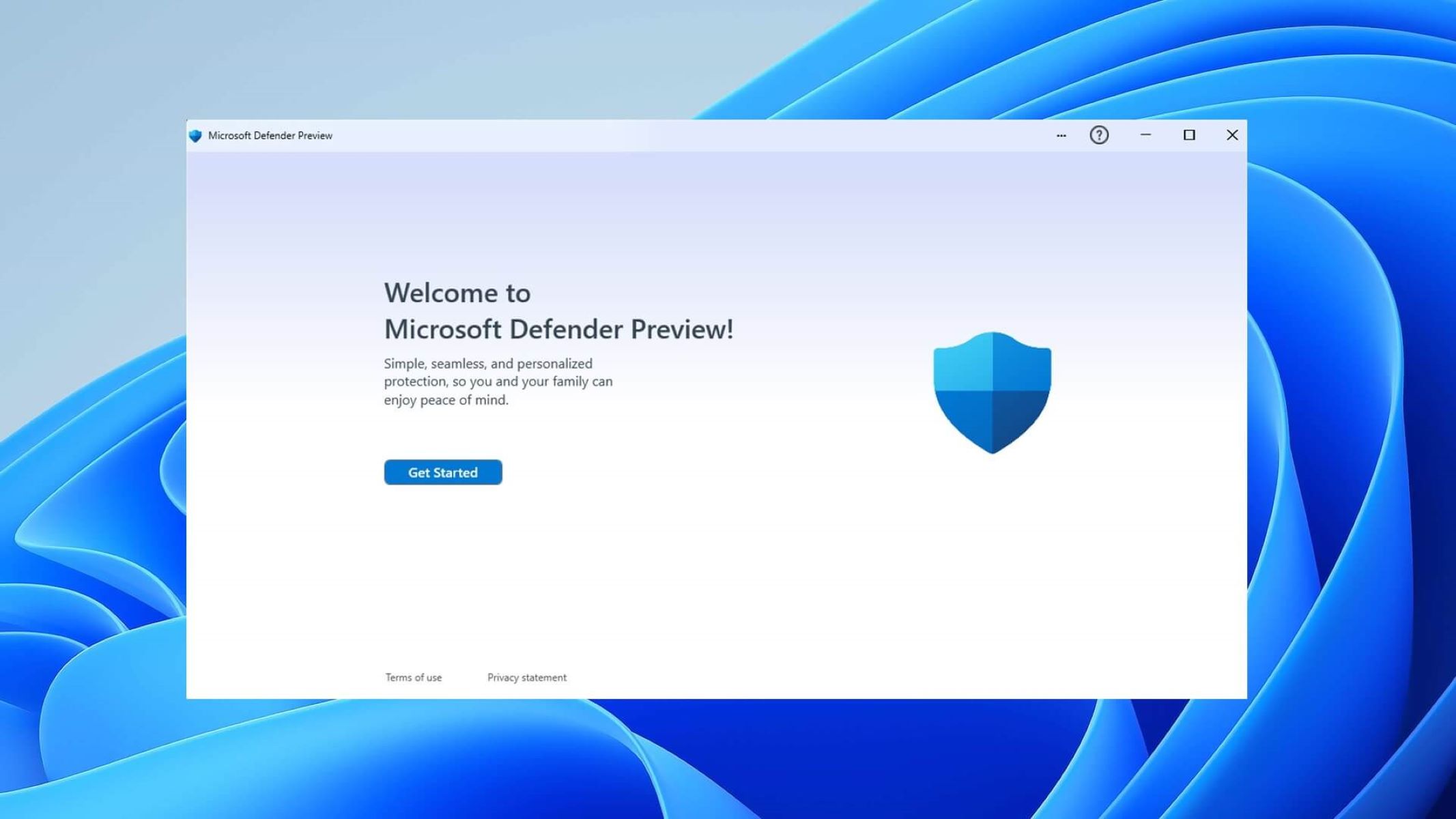
Windows Defender, built into Windows 10 and 11, has undergone massive changes in recent years. It is now one of the good free antivirus programs, often compared to commercial solutions. Its advantages include:
- Real-time protection – automatically detects and blocks threats.
- Low impact on system performance – works in the background without burdening your computer.
- No need to install additional software – integrated with the operating system.
Windows Defender is an excellent choice for users looking for a simple and reliable solution. It offers protection against viruses, ransomware, and phishing, making it sufficient for most home users.
If you want full protection, you can also install the recommended antivirus programs from our ranking. Defender does not interfere with other antivirus programs while they are running, and together with other antivirus programs, it can provide effective protection.
Antivirus software and computer performance
Antivirus programmes can slow down your computer., although it largely depends on the specific software, its version, and the computer's performance itself. Most modern antivirus programs have built-in optimisation features that try to minimise the impact on performance, but system resources are still used to some extent.
Avast can be a resource-intensive programme. Although it offers many useful features, such as real-time protection, background scanning and a firewall, it can noticeably strain your computer, especially during full system scans. In the past, users complained that Avast used a lot of RAM and CPU, particularly on older computers. However, in the latest versions, the software has been optimised, which reduces the load. McAfee This is another well-known antivirus software that can affect computer performance, especially during intensive system scans. Like Avast, it offers many protection features, such as real-time monitoring, a firewall, and malware protection. Although McAfee tries to be as unobtrusive as possible, older computers might notice a performance drop, especially when running full scans.
Is it worth paying extra for premium antivirus software?

Premium versions of antivirus programmes offer additional features that can enhance the level of protection and user convenience. While free options are effective, paid versions often provide broader protection against more advanced threats. Before deciding to pay extra, it's worth considering additional features such as advanced ransomware protection, VPN, or technical support.

- Advanced Protection Premium versions offer additional protection against advanced threats such as ransomware or phishing, which free versions may not detect.
- VPN and privacy – Paid programmes often include additional features, such as a VPN, which provide online anonymity and protect user data.
- Technical support – in the event of program problems, paid versions offer dedicated technical support, which can be important, especially for users less experienced in security matters.
- Better results in security tests – Paid programmes often offer higher scores in effectiveness tests, which may be important if you're aiming for maximum protection.
- Additional functions – premium versions may include features such as parental controls, Wi-Fi monitoring, or protection against exploits using software vulnerabilities.
Are free antivirus programmes really free? Do they track users?
In 2025, many questions arise regarding whether free antivirus are they really free and can they track users. The programs previously mentioned are free computer protection options for Windows 10 and Windows 11 and Apple systems. It is worth noting, however, that some free antivirus software they can collect user data in return for free protection. That's why many people are considering switching to paid antivirus software, which provides better protection and privacy.
In last year's 2024 rankings – the best free antiviruses, programmes such as free cloud-based antivirus and free VPN are often mentioned, offering real-time computer protection. Users should be aware that free antivirus can provide basic protection but may not be sufficient for more advanced threats. Therefore, it is worth thoroughly analysing the rankings of the best free antiviruses and their features to make an informed choice.
It's worth mentioning the scandal involving Avast, which in 2020 revealed that the company was collecting user data through its app and then passing it on to third-party companies. Although Avast explained that the data was anonymised, many people felt concerned, which led to a wave of criticism. Similar concerns also apply to Kaspersky – a Russian manufacturer, which has previously been accused of ties to the Russian government, raising concerns about data privacy and security. Although the company has denied all accusations, users still have mixed feelings about using its software.
Free malware protection – summary
Free antivirus programs are a good solution for users looking for basic protection against online threats. They offer effective real-time protection, providing defence against viruses, phishing and malware. Modern free solutions are characterised by their low impact on device performance and ease of use. Although they lack advanced features, their capabilities are sufficient for everyday use. To increase the level of security, it is worth ensuring regular system updates and avoiding suspicious websites.
Read also: Free data recovery software
Update: 23/04/2025
 Polish
  English