What is Google Lens?
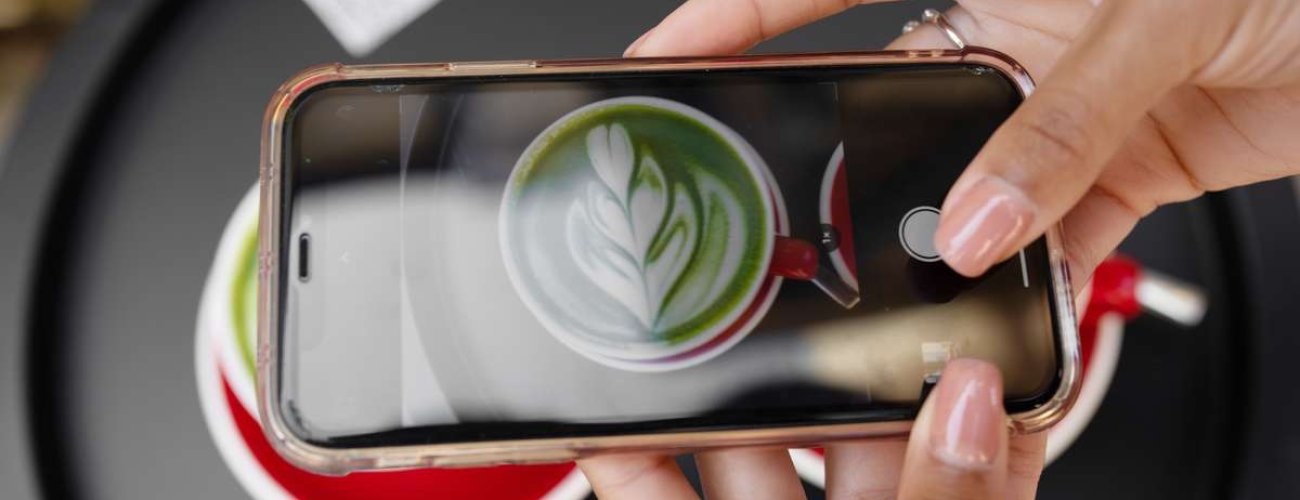
Google Lens is a tool based on artificial intelligence, which allows you to search for information using images. It's a very helpful application because you don't have to waste time trawling through Google to find detailed information about the product or place you're interested in. Just take a picture of it and Lens will help you find what you want to know about it.
Are you walking past a historic building and want to get a feel for its history and what you might find inside, but you didn't take a guidebook with you? Or are you about to enter an unfamiliar restaurant and need to get an idea of how other customers rate the quality of the food served there? Option image search will come in handy not only in these but also in many other situations.
How do I download Google Lens for Android and iOS phones?

On some devices, the app is pre-installed, while on others you can download it from the app shop. Depending on the system, this is either Google Play (Android) or iOS (iPhones). To enable Google Lens, click on the Google Lens icon and scan the photo or start real-time recognition.
If you want to use Google Lens, you don't always have to download the app from the Play shop or App Store.
- Do you have an Android phone? The tool is also available from Google Photos or Google Assistant.
- When you are using an iPhone or iPad, you can use Google Lens in the browser or via Google Photos.
What features does Google Lens offer? What can you search and copy with the app?
Google Lens will search for you for information that could take a long time to find on your own. It is the ideal tool not only to find out more about what you want to buy or visit. The app is also able to translate text, give you valuable advice on, for example, plant care, or inspire you when you are looking for fashionable clothing. Just take a picture - and all that.
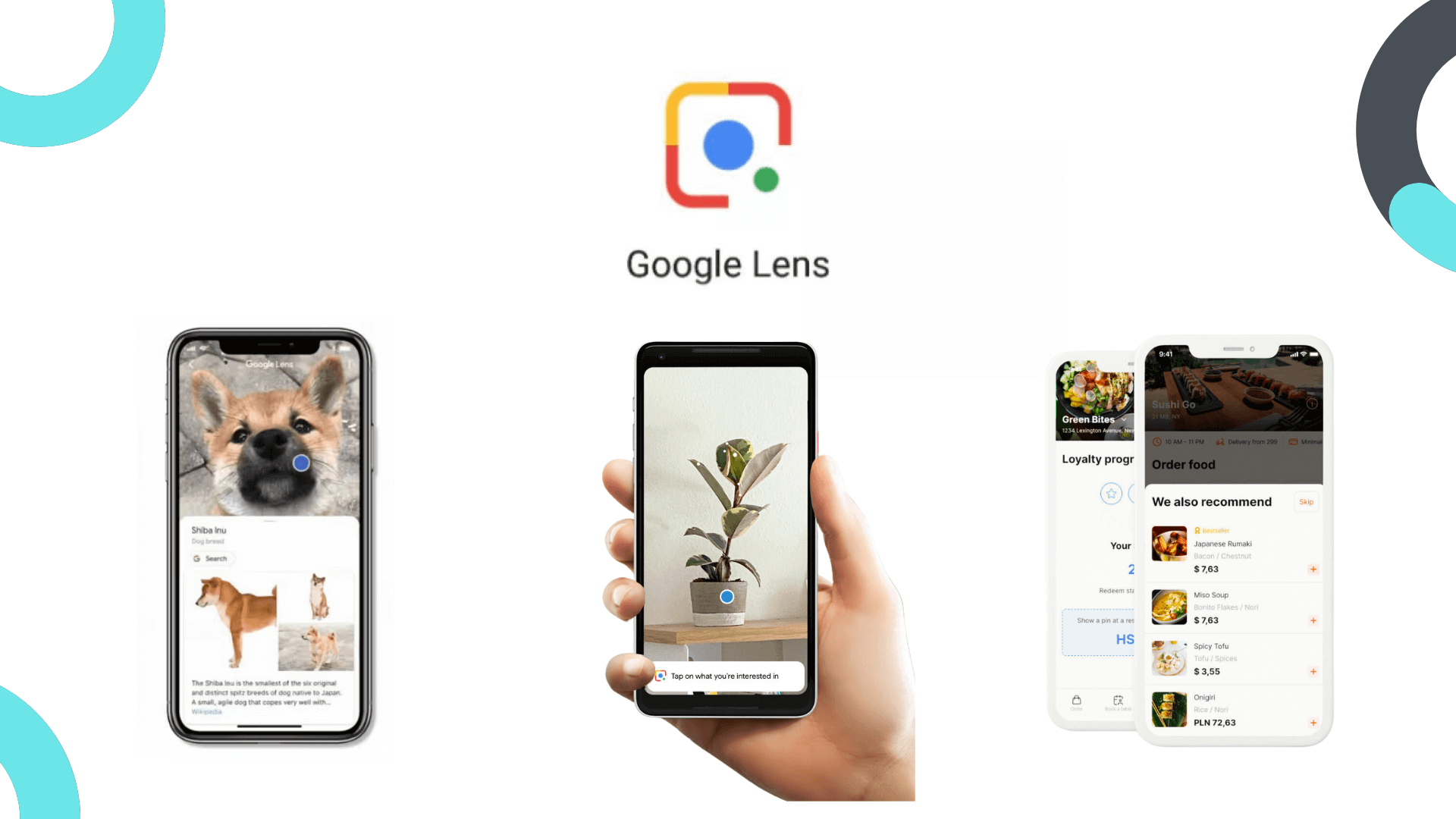
Automatically recognise plants and animals, buildings or food - Google Lens will identify over a billion different objects
The function of recognising objects, objects or plants is an ideal aid in many situations. The Google Lens app will help you quickly check, for example:
- what the visiting rules are and what you will find in the historic building that has caught your eye and that you want to visit - you can also read other users' opinions about the building;
- how the menu of the restaurant you are planning to go to presents itself - you have the opportunity to see what the food served in such a place looks like, as well as to check the impressions about the restaurant that have been posted online by its customers;
- what is the name of the plant you found while in the park that you want to plant in your own garden, or what is the species of dog you took in from the street.
Google Lens will also help you find the perfect chair, for example a gaming chair. Simply upload a photo of the chair you want to use and it will tell you which models are the best choices, without you having to describe their features or sift through hundreds of listings on the web. Thanks to Google Lens, you can also quickly check how much a backpack worn by a friend costs. And if an outfit caught your eye, you can easily find its individual components and get an idea of which shops they are available in.
Copy and translate text with the translate function
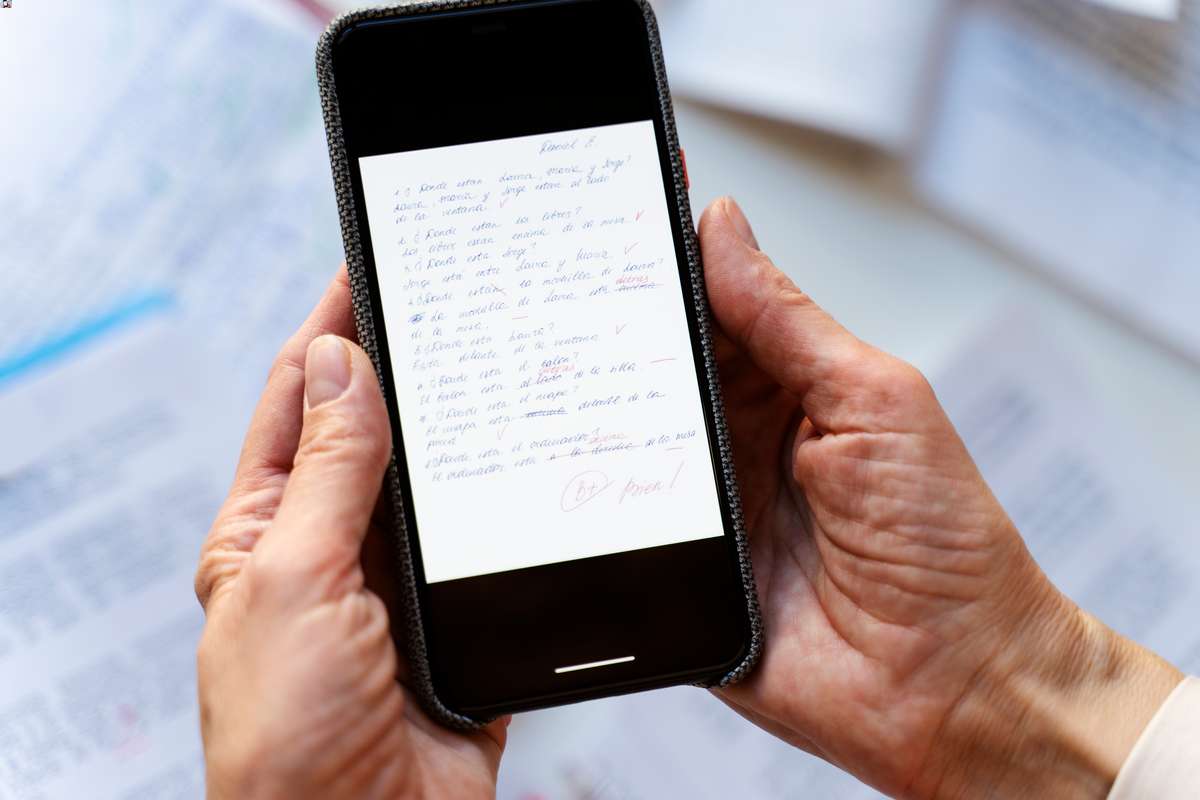
Google Lens allows you to quickly copy and then translate, for example, a passage from a book or an offer on a foreign leaflet. App translates text in real time into more than 100 languages. This is extremely convenient and will come in handy in many situations, including when you want to read the information on the plaques in a Greek or Italian museum.
Read the information on flyers, business cards or memos
Have you received a flyer on the street and want to quickly check what a certain company does and what the reviews are about it? Or are you looking for the Google My Business card of the company you are currently standing in front of? Activate Google Lens to find all the information you need. It's also ideal if you want to find out what a bar or restaurant has to offer - all you need is a leaflet with the menu and a picture of it.
The app is particularly useful for visually impaired people who are unable to read small letters. They can take a picture of a leaflet or notes and launch Google Assistant to get voice guidance.
Search for interesting information on the Internet
Using Google Lens will allow you to quickly review the information you are currently looking for. If you have started to grow plants and don't know how to care for them, you will get comprehensive tips. The app is also an ideal tool for DIY enthusiasts. For example, if you're going to build a birdhouse, the Google app allows you to find instructions for assembling it.
Google Lens also provides detailed homework help
A smartphone with support for this app will come in handy if you you have a difficult task Home. Take a picture of a particular formula or equation and Google Lens automatically redirects you to pages in your browser that contain useful explanation videos and results. From now on, solving even the most challenging task will not lead to you losing valuable time.
Who could use the Google Lens tool?
No matter what you are looking for on the internet, the app will help you find the information you are interested in faster. It is ideal for, among other things:
- pupils and students;
- tourists, especially those who like to travel on their own;
- enthusiasts of modelling, fashion or plant and animal husbandry;
- people who buy a lot of things online.
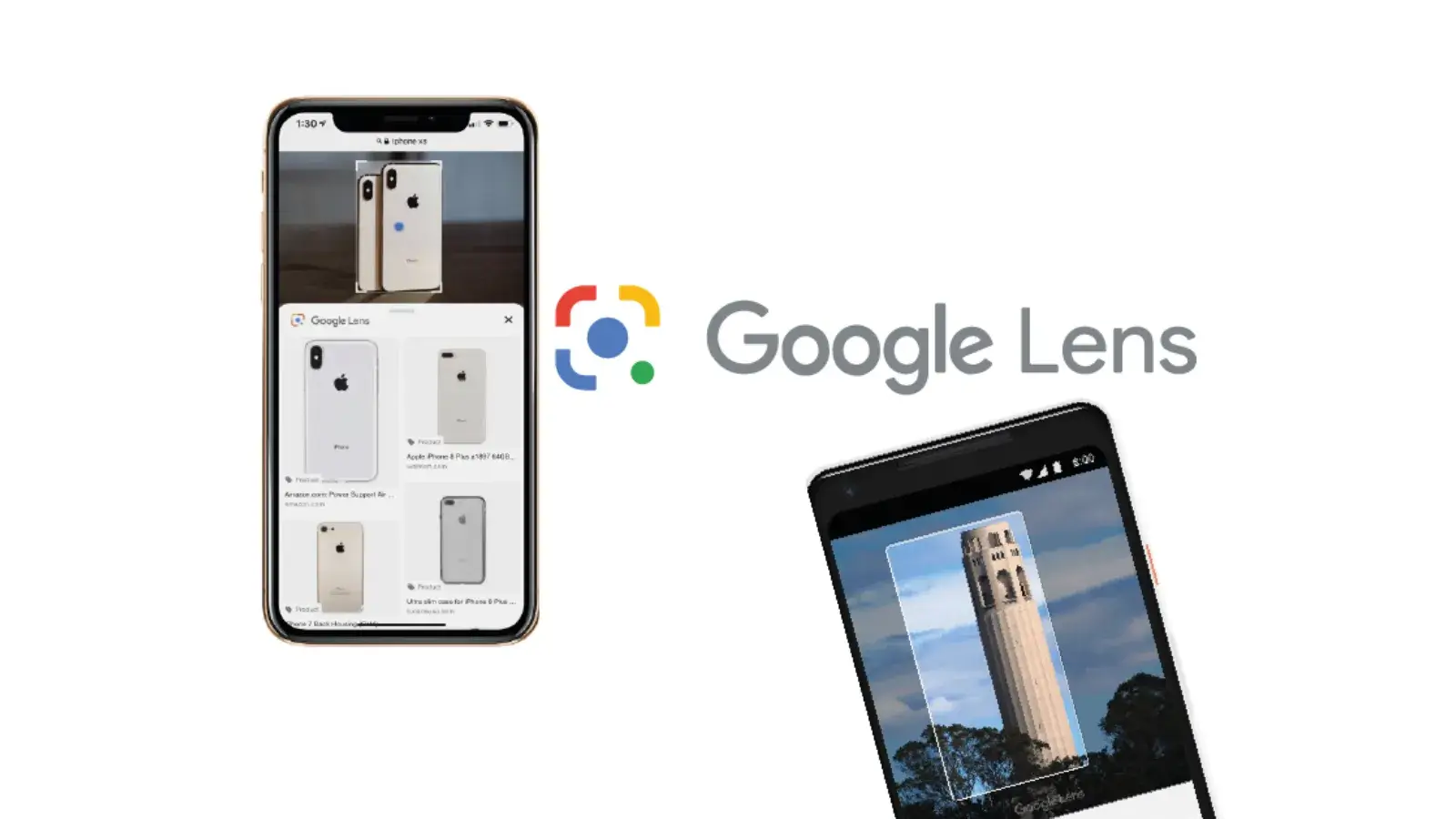
Google Lens is able to automatically copy the text in the image so that you can quickly transfer it, for example into a text editor. This applies to both printed and handwritten text. The tool is an excellent aid for journalists, proof-readers, writers and copywriters. It is also useful for teachers, for example when creating lesson plans.
Google Lens is also extremely helpful for business owners. If you run a catering business, you can create an interactive menu to encourage customers to take advantage of your offer. All you need to do is include photos of the food you serve, highlighting its aesthetics and flavour.
Google Lens is also a great support if you own an online shop. With the app, you can put pictures of your products online. Once in Google Lens, users will be able to see detailed information about the design and functionality of your products, as well as their price. This is a great way to encourage users to buy from your shop.
An attractive presentation of your offer is one of the most important steps to succeed in the market. And don't forget SEO optimisation, which will help you with experienced interactive agency. The specialists working there will take care of positioning the website so that it is displayed high in the search results of Chrome or Edge browsers. They will also take care of the graphic design, as well as adding relevant meta descriptions (title, description) and valuable content, including blogs. With such an agency, you will be able to take full advantage of Google Lens and other business applications.
 Polish
  English